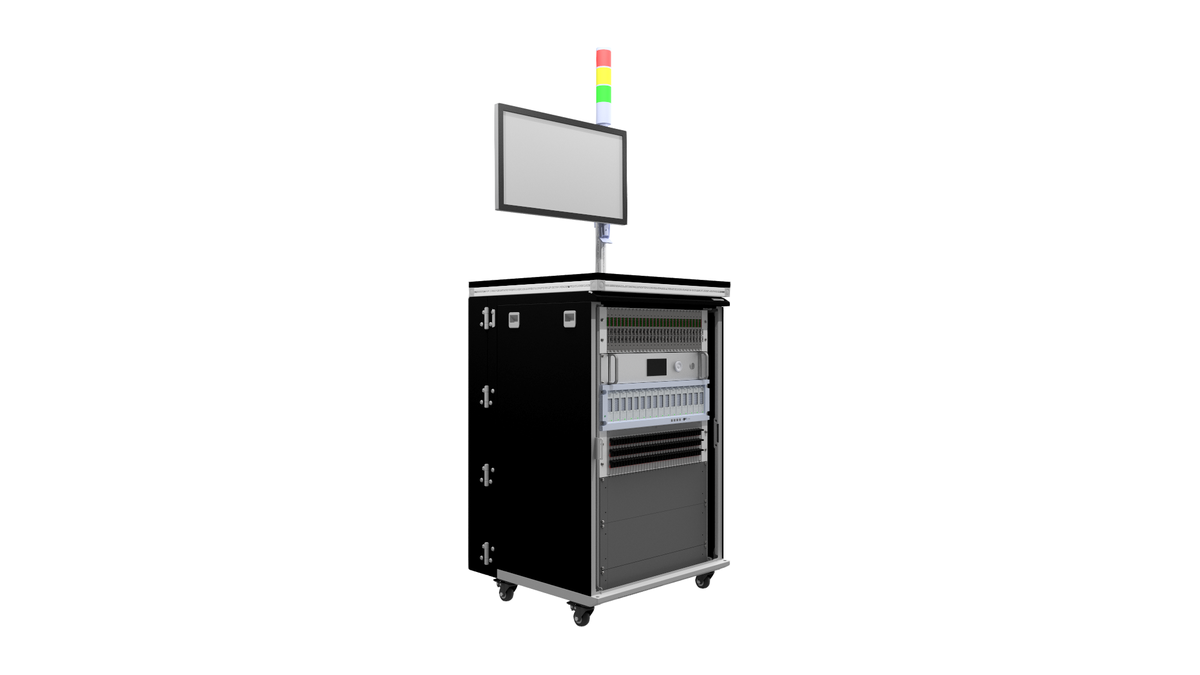


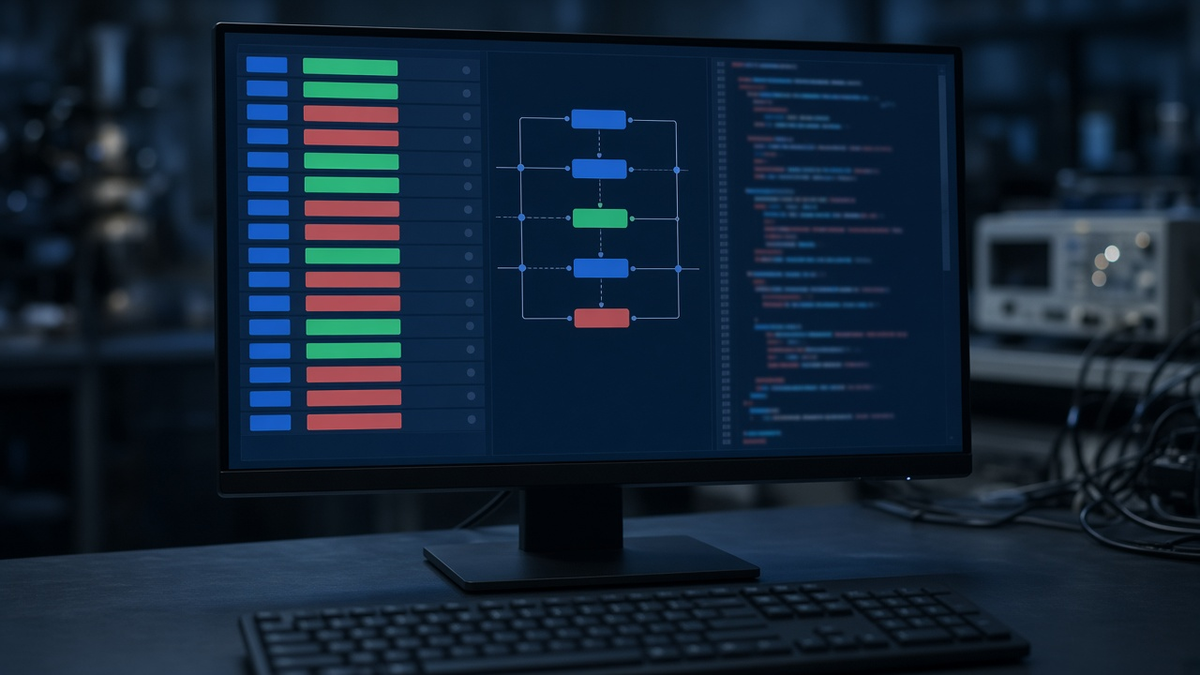
The station still runs. It runs LabVIEW 8 on Windows XP, with PCI acquisition cards that are no longer sold, and the only person who understood the sequence left years ago. A real engineer described exactly this situation on the NI Community forum in April 2026, asking how to estimate the effort to upgrade such a fixture. Many production floors have one of these stations. The question is rarely “is LabVIEW good or bad?”. It is: what do we do with this one, and with the next one?
This article draws on public engineering discussions and on our experience building test software. It does not argue for one tool. It gives a method to decide, the options that exist today, and the traps of migration.
1. What engineers are saying
Engineers describe the problem in their own words. One, asking Hacker News for modern test automation software in January 2026, put it this way: “I’m happy to assemble the sequence logic myself if needed, but I’d love to avoid reinventing orchestration and run history/reporting from scratch” (thread). Instrument compatibility is the other recurring theme: “VISA/SCPI is supposed to be cross-compatible but in reality that’s hardly the case aside from *IDN and the basics” (EEVblog, June 2026).
The vendors are moving too. In July 2025 Emerson announced an AI advisor added to LabVIEW and TestStand. Staying on the NI stack remains a living option, not a dead end.
2. The real problem is rarely the language
When a legacy station becomes painful, the root causes we usually find are architectural, not tied to LabVIEW itself:
- instrument calls, limits, sequence logic and reporting all mixed in one program;
- limits hard-coded in block diagrams or step properties, without version history;
- drivers tied to one instrument model and one interface card;
- results stored in local files with no link to the firmware, hardware revision or station;
- an operating system and runtime that can no longer be installed on new hardware.
Rewriting the same mixture in Python produces the same problems in a new language. The goal of a migration is the structure described in our guide from script to sequencer: sequence, limits, instrument drivers and results kept apart.
3. Three strategies: keep, wrap, rewrite
3.1 Keep and stabilise
Keep LabVIEW/TestStand, but fix what hurts: move limits to external versioned files, put the code under source control, isolate instrument access in drivers, and upgrade to a supported runtime and operating system.
Suited when: the team has LabVIEW skills, the station is qualified and stable, the products have a long remaining life, and licences are already in place.
3.2 Wrap: a modern orchestrator around existing modules
Keep validated measurement code (VIs or DLLs) and call it from a new sequencer, or the reverse: let TestStand call Python modules for new steps. TestStand supports calling code modules written in several languages; see NI’s overview of TestStand.
Suited when: some steps are hard to re-validate (calibrated measurements, complex timing), but you want new development in a more open stack. This is often the lowest-risk route.
3.3 Rewrite on an open stack
Build a new program on Python or another general-purpose language, with an open test framework.
Suited when: the platform cannot run on supported hardware anymore, the station is being redesigned anyway, or a fleet of stations needs one common, version-controlled code base.
Described diagram: the strangler pattern
Picture the legacy program as a large box on the left and the new program as an empty box on the right. Between them sits a thin adapter layer. Step by step, test groups move from the left box to the right box: first reporting, then instrument drivers, then sequences, one product family at a time. At every stage the station produces production results. The legacy box shrinks until it can be retired. No “big bang” weekend.
4. The open-source landscape, briefly
These are neutral technical references, not recommendations or partners:
- pytest: the general Python test framework. Excellent for structure, fixtures and CI; production sequencing (operator prompts, serial numbers, station data) needs extra work.
- OpenHTF: a Python framework for hardware testing with phases, measurements and limits.
- OpenTAP: an open-source test automation project with a plugin-based sequencer.
- PyVISA: Python access to instruments through VISA. Users also report real field issues, such as long-running sessions that start throwing timeouts after hours or days (PyVISA issue #948).
- Newer orchestrators: newer open-source orchestrators also exist; compare them on the same criteria as the established frameworks.
For instrument interoperability, the IVI Foundation maintains the VISA and IVI specifications that most of these stacks build on.
5. Selection criteria
Score each option against these criteria for your station, not in general:
| Criterion | Question to ask |
|---|---|
| Re-validation cost | How many steps must be re-qualified if the code changes? |
| Skills | Who will maintain this in five years, and what do they know? |
| Instrument coverage | Are drivers available for every instrument, or must you write them? |
| Parallel test | Can it share instruments between several DUTs safely? |
| Operator interface | Is there a production UI, or must it be built? |
| Traceability | Does each result record software version, limit version, station and serial? |
| Deployment | Can the station be rebuilt from scratch from version control? |
| CI | Can sequences run automatically on a bench at each firmware change? |
| Licences and lock-in | What does each new station cost, and can you change vendor later? |
Parallel test deserves a specific check. Sharing one DAQ between several DUTs is a common question on the NI side too (NI Community, September 2025), and it is just as much work in Python: resource locking must be designed, whatever the tool.
6. Worked example: estimating the migration effort
Illustrative values, to show the method, not a benchmark.
A station has 120 test steps across 4 product variants, with 9 instrument types.
- Classify the steps. Say 80 are simple (set, measure, compare), 30 involve timing or protocol handling, and 10 are calibrated or metrology-critical.
- Assign a weight per class from your own past data, for example 1, 3 and 8 effort units.
- Effort for steps = 80 × 1 + 30 × 3 + 10 × 8 = 80 + 90 + 80 = 250 units.
- Add the drivers: 9 instrument types; if 6 already have maintained open drivers and 3 need a new driver at 10 units each, add 30 units.
- Add re-validation: for each step, a correlation run comparing old and new results on the same units. If correlation takes 0.5 unit per step, add 60 units.
- Total: 250 + 30 + 60 = 340 units.
The insight is in the distribution: the 10 critical steps cost almost as much as the 80 simple ones. That is the argument for wrapping them first and rewriting them last, or never.
7. Correlation: proving the new program measures the same thing
Before the new program replaces the old one, run both on the same set of units and compare, step by step:
- the same pass/fail verdict on every unit;
- measurement differences analysed as a bias study: the mean offset per step should be negligible against the tolerance and statistically insignificant (paired comparison on the same units), and the spread of the differences consistent with each station’s repeatability (gauge R&R on both);
- the same behaviour on known-bad units, including deliberately faulty samples.
Units that switch verdict near a limit are expected; systematic offsets are not. Record the study as part of the station qualification; our guide on test bench qualification, FAT and SAT describes how to frame it, and ATP vs QTP explains which tests belong to acceptance and which to qualification.
8. Common mistakes
- Translating code line by line. You keep the old architecture and lose the old tool’s strengths.
- Migrating everything at once. A big-bang switch on a production station turns every bug into a line stop.
- Underestimating drivers. Instrument compatibility issues are a recurring complaint in engineering forums; budget them explicitly.
- Forgetting the operator. A powerful framework without a clear operator screen fails on the shop floor.
- No correlation study. Without it, nobody can prove that a new pass means the same as an old pass.
- Losing tribal knowledge. Undocumented delays and workarounds in the old code often hide real hardware behaviour. Find out why each one exists before removing it.
9. Checklist before you decide
- Inventory: steps, variants, instruments, interface cards, OS and runtime versions.
- Pain list: what actually hurts (cost, hardware, skills, traceability, speed)?
- Steps classified by re-validation risk.
- Driver availability checked per instrument.
- Strategy chosen: keep, wrap or rewrite, per station or per step group.
- Target architecture written: sequence, limits, drivers, results separated.
- Migration plan in increments, with the station producing at every stage.
- Correlation protocol defined, including known-bad samples.
- Operator interface and reports validated with production.
- Re-qualification scope agreed before the switch.
10. Where the hardware fits
Software migration is often the moment to revisit the physical layer: access to signals, fault injection, power control. Breakout boxes make correlation measurements easier, a compact bench such as our Mini HIL test bench lets new sequences be developed and validated on real hardware before they reach production, and our guide on HIL test bench architecture covers how the layers fit together. Our own test software is built on a Python base, with TestStand or LabVIEW integration when a customer’s stations require it.
Planning to modernise a legacy test station? Tell us what it runs and what hurts, and we will help you choose between keeping, wrapping and rewriting. Request a quote