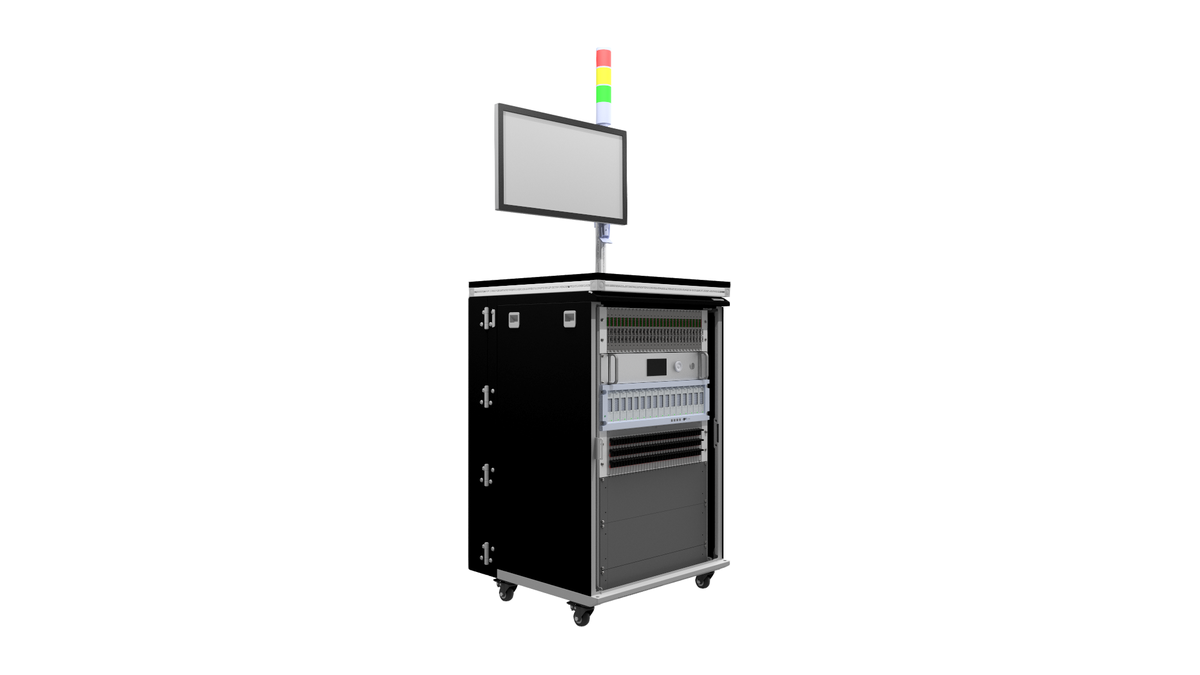



The line runs at one unit every so many seconds, and the EOL station needs a few seconds more. Every shift, a queue of finished modules builds up in front of the tester. Someone proposes the obvious fix: remove the slowest tests. Three months later, a field return shows a defect that one of those “slow” tests used to catch. That is the trap of EOL cycle time. The pressure is on the clock, but the cost lands on coverage.
This article explains how we approach the problem on production test stations: measure where the time actually goes, remove waiting before removing tests, and only then reshape the test content, with a coverage map that makes every trade-off visible.
1. Know your budget: takt time versus station time
The station does not have to be fast. It has to keep up with the line’s takt time, the time available per unit to meet demand.
Worked example (illustrative values)
- Available production time per shift: 7.5 h = 27,000 s
- Demand per shift: 900 units
- Takt time = 27,000 / 900 = 30 s per unit
If one EOL station needs 42 s per unit, including handling, it cannot keep up. Two options:
- two stations in parallel, giving an effective 21 s per unit;
- reduce station time below 30 s, with margin.
Always budget the full station cycle, not the test sequence alone:
station cycle = load + clamp + contact check + power-up/boot + test steps + data write + unclamp + unload
In practice the non-test part often takes a large share of the cycle, and that is where the first gains come from.
2. Measure before you cut: the timing breakdown
Before changing anything, instrument the sequence. Each step should log a start and end timestamp in the result file, with the station clock. After a few hundred units you get a distribution, not just an average.
Described diagram: the timing waterfall
Picture a horizontal bar per step, aligned on a common time axis, like a Gantt chart: load, clamp, power-up, ECU boot, diagnostic session, flash check, analog measurements, digital I/O, CAN/LIN checks, current consumption, report, unload. The bars sit end to end because the sequence is serial. Gaps between bars are pure waiting: relay settling, fixed delays, instrument range changes, communication timeouts.
What to look for:
- Fixed delays (
wait(2000)) inserted during development “to be safe” and never revisited. - Boot time spent waiting for the device under test (DUT) to answer, often with a fixed delay instead of a polled ready condition.
- Instrument reconfiguration: switching a DMM range or function between every measurement.
- Retries: steps that pass on the second attempt hide both time and a real stability issue.
- Long tails: a step averaging 0.4 s but reaching 3 s on some units points to timeouts.
3. Remove waiting before removing tests
3.1 Replace fixed delays with conditions
A fixed delay must cover the worst case, so it wastes time on every typical unit. Wait for a measurable condition instead, with a timeout that covers the worst case.
Example: an RC filter on a measurement input settles to within 0.1 % of its final value after about 7 time constants (e^-7 ≈ 0.09 %). With R = 10 kΩ and C = 100 nF, τ = 1 ms, so settling takes about 7 ms. A legacy wait(500 ms) on that channel wastes about 493 ms per measurement. Over 20 such measurements, that is close to 10 s per unit. The physics of the RC circuit tells you the real wait; the code should use it, plus a documented margin.
The same applies to the DUT: poll a “ready” frame or a diagnostic response rather than sleeping for the maximum boot time. For diagnostics over CAN, the timing of UDS sessions and the ISO-TP transport layer sets real minimums; anything above them is a choice.
3.2 Group measurements by instrument configuration
Order steps so that all DC voltage measurements happen together, then all resistance measurements, then all current measurements. Each range or function change on a multimeter costs time; sorting by configuration cuts the number of changes. This is a pure re-ordering, with zero coverage loss, provided the test logic does not depend on order (check that it does not).
3.3 Trade integration time for what you need
A DMM integrating over several power-line cycles rejects mains noise well but is slow. Many EOL limits are wide enough that a shorter aperture keeps enough resolution. The rule: the measurement uncertainty must stay small against the tolerance. A ratio of 10:1 is the classic rule of thumb; 4:1 is often accepted. Choose the fastest setting that keeps the ratio, and confirm it with a repeatability study (measurement system analysis).
3.4 Run in parallel what does not interact
Steps that use different resources can overlap:
- the ECU boots while the station checks fixture contacts on other pins;
- a flash checksum runs on the bus while an analog channel measures supply current;
- the report of unit N is written while unit N+1 is being loaded.
Example of the gain, illustrative: if boot takes 3 s and the contact check takes 2 s, serial execution costs 5 s and parallel execution costs 3 s. Amdahl’s law reminds you of the limit: if only half of the cycle can be parallelised, the cycle can never fall below the remaining serial half, however many resources you add.
Rule: parallelise only steps that share no electrical path, no instrument and no bus traffic that could disturb a measurement. Document each pairing.
4. Reshape the test content, with a coverage map
Once the waiting is gone, test content can be reviewed. This is where coverage gets lost if it is done without a method.
4.1 Build the coverage map first
List the defect classes the station must catch, one per row: wrong component, missing component, open pin, short between adjacent pins, wrong firmware, wrong calibration, wrong variant coding, connector damage, leakage, communication failure. Put the test steps in columns. Mark which step detects which defect.
Then the questions become precise:
- Which defect classes are covered by only one step? Those steps are untouchable unless replaced.
- Which defect classes are covered three times? There may be redundancy to remove.
- Which steps cover nothing on the list? Either the list is incomplete, or the step is a leftover.
4.2 Move tests upstream, do not delete them
A defect does not have to be caught at EOL if an earlier station catches it reliably. Board-level tests (in-circuit, boundary scan, functional test at PCBA level) can cover component-level defects. EOL then focuses on what only the assembled product can show: connector integrity, housing-related issues, final firmware and coding, system-level behaviour. The coverage map must state, for each defect class, where it is caught.
4.3 Use statistics to adjust limits, carefully
After a stable production period, measurement data show how far each parameter sits from its limits. A parameter with a large margin and high process capability is a candidate for a faster measurement mode, not automatically for removal. Never tighten or relax limits without the test specification owner’s sign-off, and keep a record of the change.
4.4 Wiring and harness tests
For harness and connector checks, a continuity matrix can be expensive in time if every pair is checked one by one. Scanning by groups (one pin against all others tied together) detects shorts in fewer steps (pins expected to be connected are grouped as one net), then isolates the faulty pair only when a short is found. Continuity of each expected connection is still checked individually. Low-resistance checks on power paths need four-wire sensing to stay accurate. Our guide on wire harness continuity and insulation testing covers the method in detail.
5. Multi-up fixtures and station layout
When one station cannot reach takt time, test two or more units per cycle.
Described diagram: two-up fixture
Picture a fixture plate with two nests side by side. Each nest has its own pogo-pin block and connector interface. Behind the plate, a switching matrix routes shared instruments (DMM, power supply measurement) to nest A or nest B. Communication buses are duplicated, one interface per nest, so both units boot and talk at the same time.
Example, illustrative: a 40 s sequence with 25 s of independent steps (boot, communication, self-tests) and 15 s of shared-instrument measurements. Two-up: 25 s in parallel plus 2 × 15 s of shared steps = 55 s for two units (load/unload times excluded, or overlapped with the other nest), so 27.5 s per unit, under the 30 s takt time from section 1. Adding a second DMM would bring it to 40 s for two, so 20 s per unit (same assumption on load/unload). The calculation tells you which instrument to duplicate.
Trade-offs to weigh:
- more pins, more contact wear, more maintenance;
- a fault in one nest must not stop or contaminate the result of the other;
- traceability must link each result to the right serial number and nest.
6. Common mistakes
- Cutting tests without a coverage map. The time saved is visible; the escape is not, until it reaches the field.
- Optimising the average, ignoring the tail. A station that is fast on 95 % of units and times out on the rest still blocks the line.
- Hiding retries. An automatic retry that turns a fail into a pass must be logged and counted. A rising retry rate is an early warning.
- Parallelising steps that disturb each other. A bus flood during a low-current measurement gives a false reading.
- Forgetting fixture contact checks. A faster cycle with intermittent contacts produces false fails, which cost more time than they save.
- Changing the sequence without re-validation. Any change to an EOL program is a change to a qualified station. Re-run the relevant part of the qualification; see our guide on test bench qualification, FAT and SAT.
7. Checklist: cycle time review
- Takt time computed from real demand and available time.
- Full station cycle measured, including handling, per step, on a few hundred units.
- Timing waterfall reviewed: fixed delays, boot wait, reconfiguration, retries, tails.
- Fixed delays replaced by conditions with justified timeouts.
- Measurements grouped by instrument configuration.
- Integration times checked against the uncertainty-to-tolerance ratio.
- Parallel steps listed, each pairing checked for electrical and bus interaction.
- Coverage map built: defect classes × steps × station where caught.
- Single-coverage steps protected; redundant steps reviewed with the specification owner.
- Multi-up option calculated, with the shared instrument identified.
- Retry and false-fail rates monitored after the change.
- Changes versioned and the station re-qualified where required.
8. Software structure makes this possible
All of the above is much easier when the test program separates the sequence, the limits, the instrument drivers and the results. Re-ordering steps, changing a measurement mode or splitting a sequence over two nests then means editing configuration, not rewriting code. Our guide from script to sequencer shows that structure, and the ATP vs QTP article explains how production acceptance tests differ from qualification tests, which is exactly the line you must not blur when trimming an EOL sequence.
The same principles apply upstream on the bench: a compact HIL setup such as our Mini HIL test bench lets you develop and time sequences before they reach the line, and breakout boxes give direct access to signals when a step’s timing needs to be checked with a scope.
Looking at an EOL station that cannot keep up with the line? Share your sequence and cycle constraints and we will look at where the time goes. Request a quote